


Room Reference
Direct Sound Records
Room Reference
Know your room.
Improve your listening.
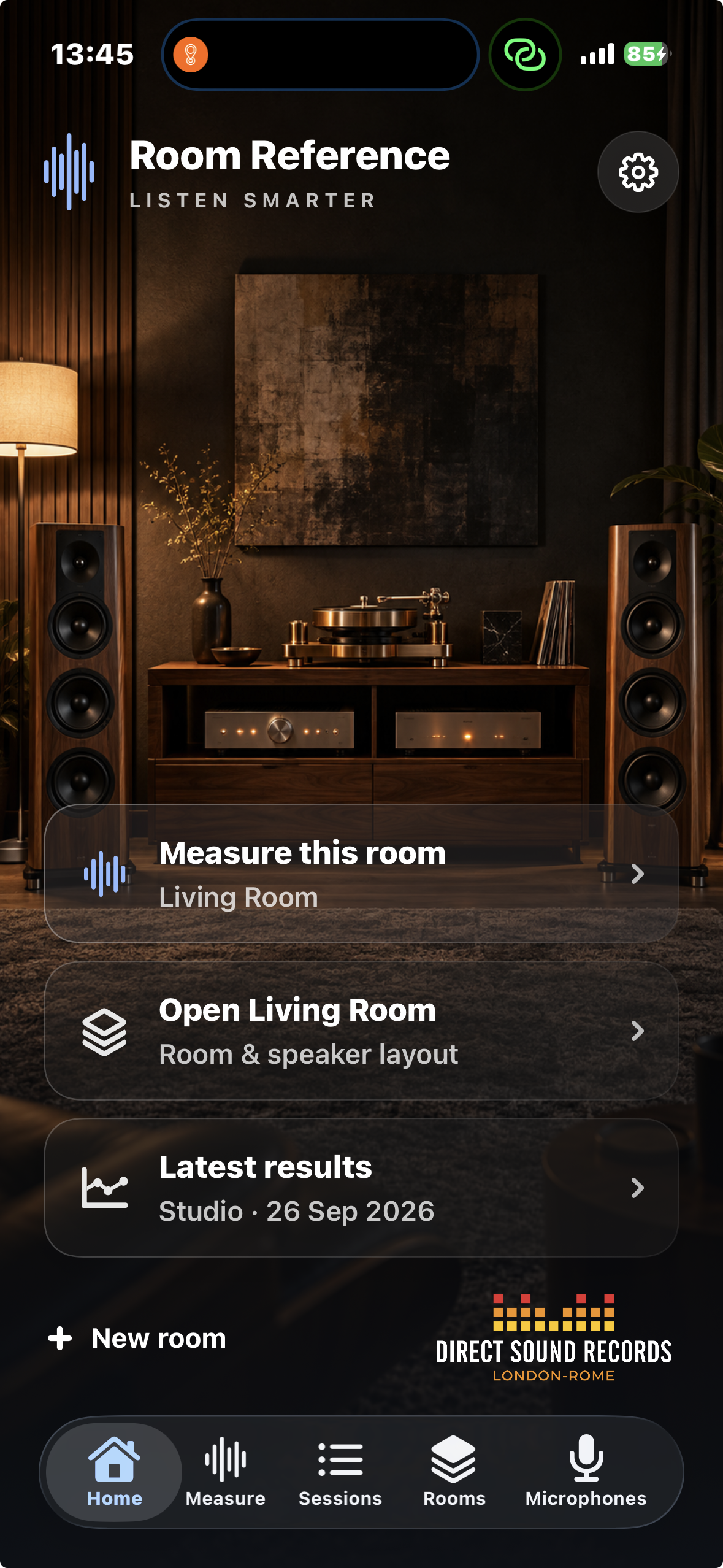
Measure how your loudspeakers and room work together, investigate what is shaping the response and make changes based on evidence rather than guesswork.
Start measuring
Works with your iPhone’s built-in microphone.
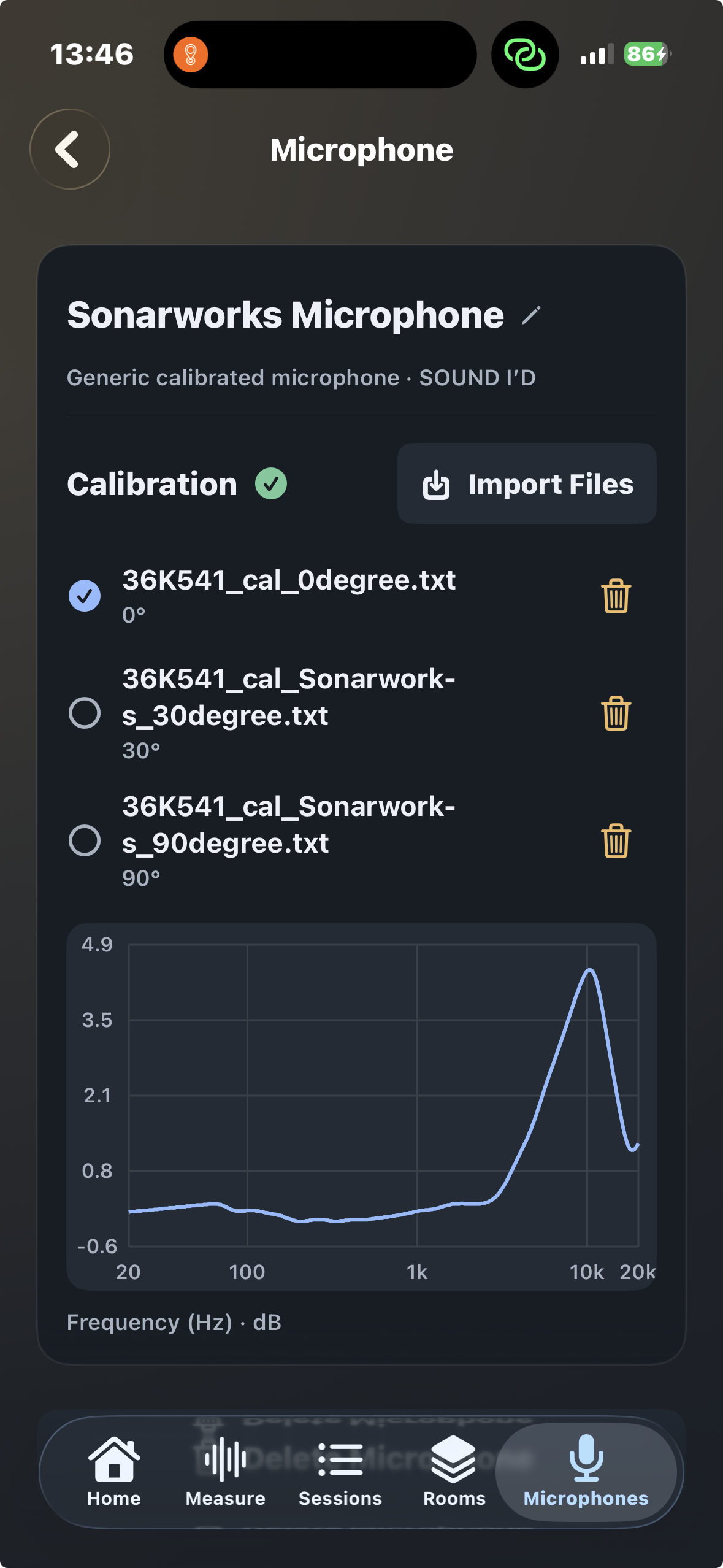
You can begin exploring your listening room without an audio interface or dedicated measurement microphone. Room Reference can use the microphone already in your iPhone to make room analysis accessible and immediate.
For measurements requiring greater accuracy, Room Reference also supports external measurement microphones and microphone calibration data.
Guided measurement
Measure the listening area,
not just one point.
Room Reference guides you through measurements of the left and right loudspeakers at five positions around the listening area, creating a spatially averaged view of the system.
Measure
Capture the left and right loudspeakers from five listening-area positions using a guided workflow.
Understand
Examine the measured response alongside room geometry and predicted acoustic behaviour.
Change and verify
Move speakers, adjust the listening position or review EQ suggestions, then measure again to see what changed.
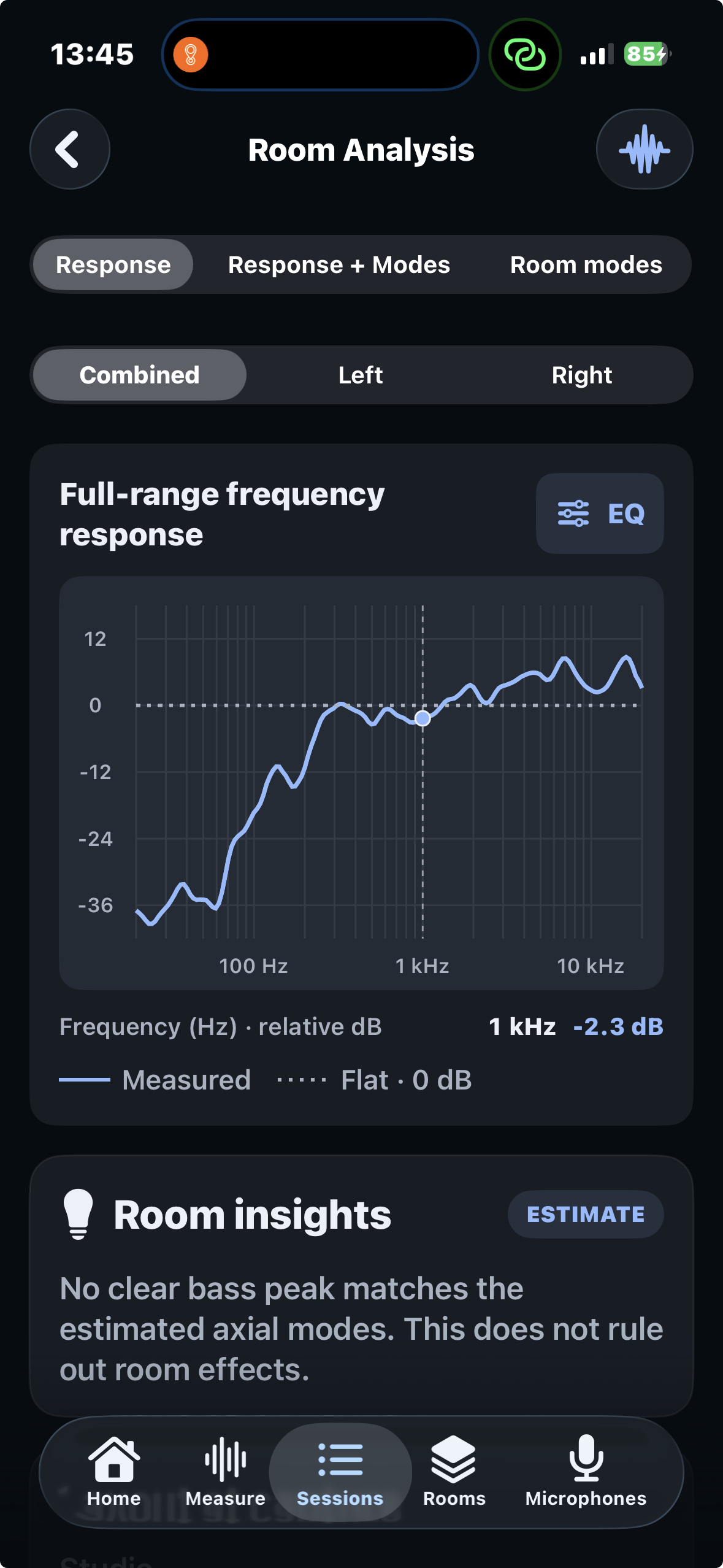
Interactive Combined, Left and Right frequency-response analysis.
Frequency response
See what the system is doing.
Explore the measured response interactively rather than relying on a single summary number. Inspect Combined, Left and Right responses and read frequency and relative level directly from the graph.
- Combined spatially averaged response
- Independent Left and Right speaker views
- Interactive frequency and relative-level inspection
- Measurements saved for later comparison
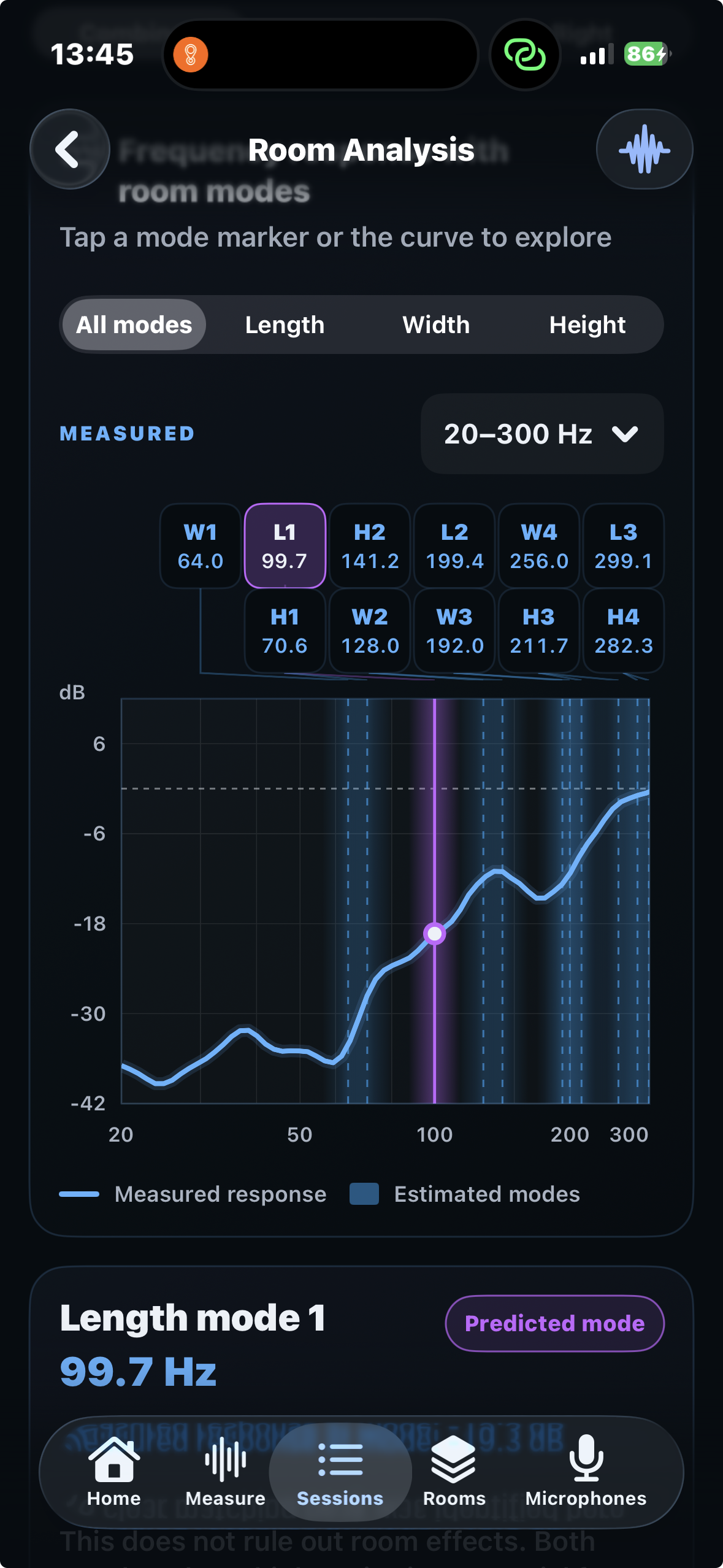
Predicted room modes can be explored alongside measured bass behaviour.
Room modes
Connect the measurement
to the room.
Enter the dimensions of your listening room and Room Reference calculates its predicted low-frequency modes. Compare those frequencies with the measured response to investigate whether room geometry may be contributing to particular bass peaks.
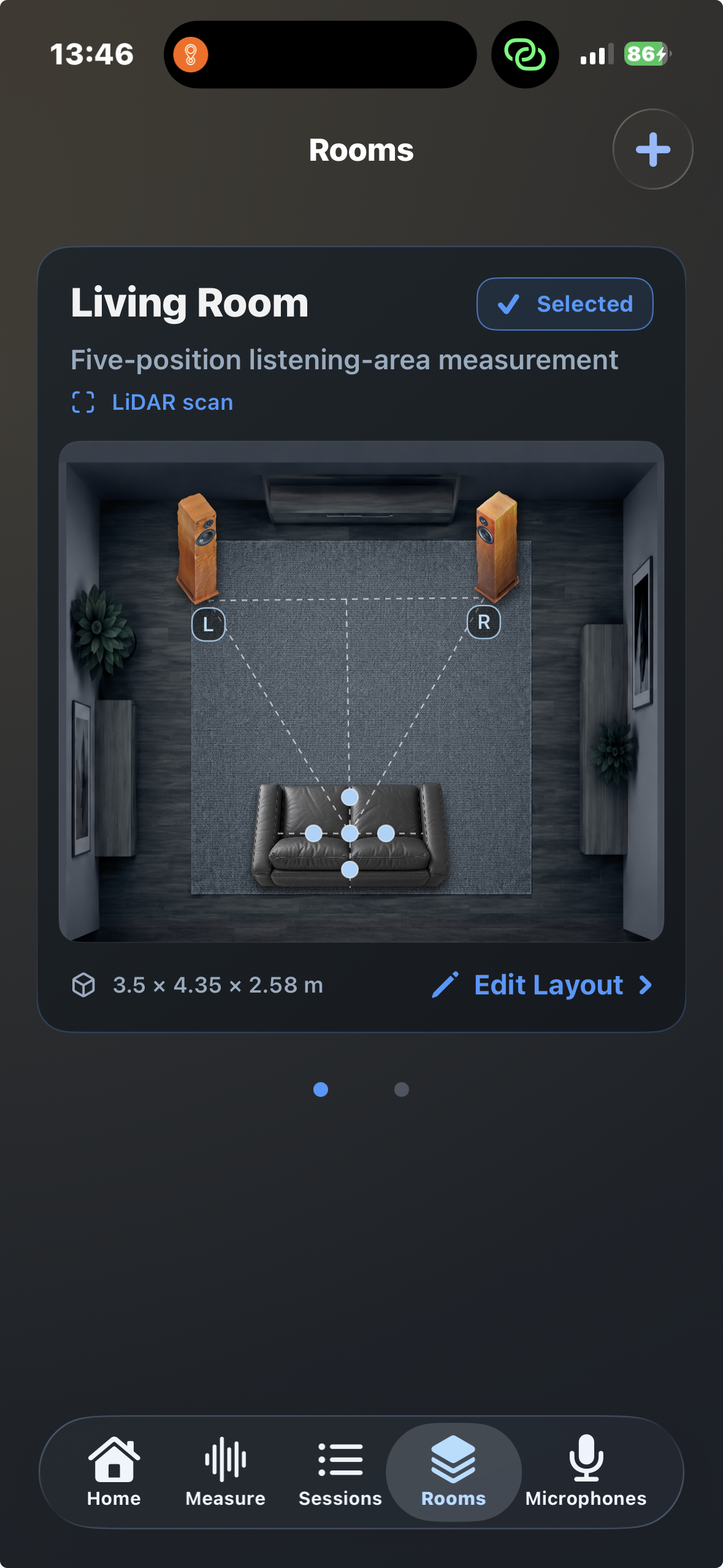
Store room dimensions, loudspeaker placement and listening position.
Your listening room
Give the measurement
physical context.
Save room dimensions together with speaker and listening positions so the frequency-response measurement can be considered in the context of the actual listening space.
- Store personalised room dimensions
- Record loudspeaker positions
- Record the listening position
- Investigate placement changes through new measurements
Parametric EQ
Correct carefully.
Verify afterwards.
Room Reference can generate five- or ten-band parametric EQ recommendations including frequency, gain, Q and required preamp attenuation.
The predicted corrected response lets you inspect the intended effect before applying the settings, and the EQ parameters can be shared for use elsewhere.
The corrected curve is a prediction. The final step is always to apply the change and measure the room again.
Built for iteration
Measure. Change.
Measure again.
Room Reference is designed around comparison rather than a one-off measurement, so you can see whether a change to the system actually produced the result you expected.
Saved sessions
Keep measurements so they remain useful after the initial setup session.
Before & after
Compare measurements after moving loudspeakers, changing the listening position or applying EQ.
Five positions
Build a spatially averaged picture of the listening area rather than relying on one microphone position.
Room-mode insight
Compare predicted low-frequency modes with measured bass behaviour to guide further investigation.
Flexible microphones
Start with the iPhone microphone or use a calibrated external measurement microphone when greater accuracy is required.
Parametric EQ
Review five- or ten-band EQ suggestions, predicted response and the preamp attenuation required.
Room Reference
Understand first.
Correct second.
The objective is not to force every room into a perfect curve. It is to understand what your system is doing, identify what the room is clearly contributing and make changes that can be checked with another measurement.